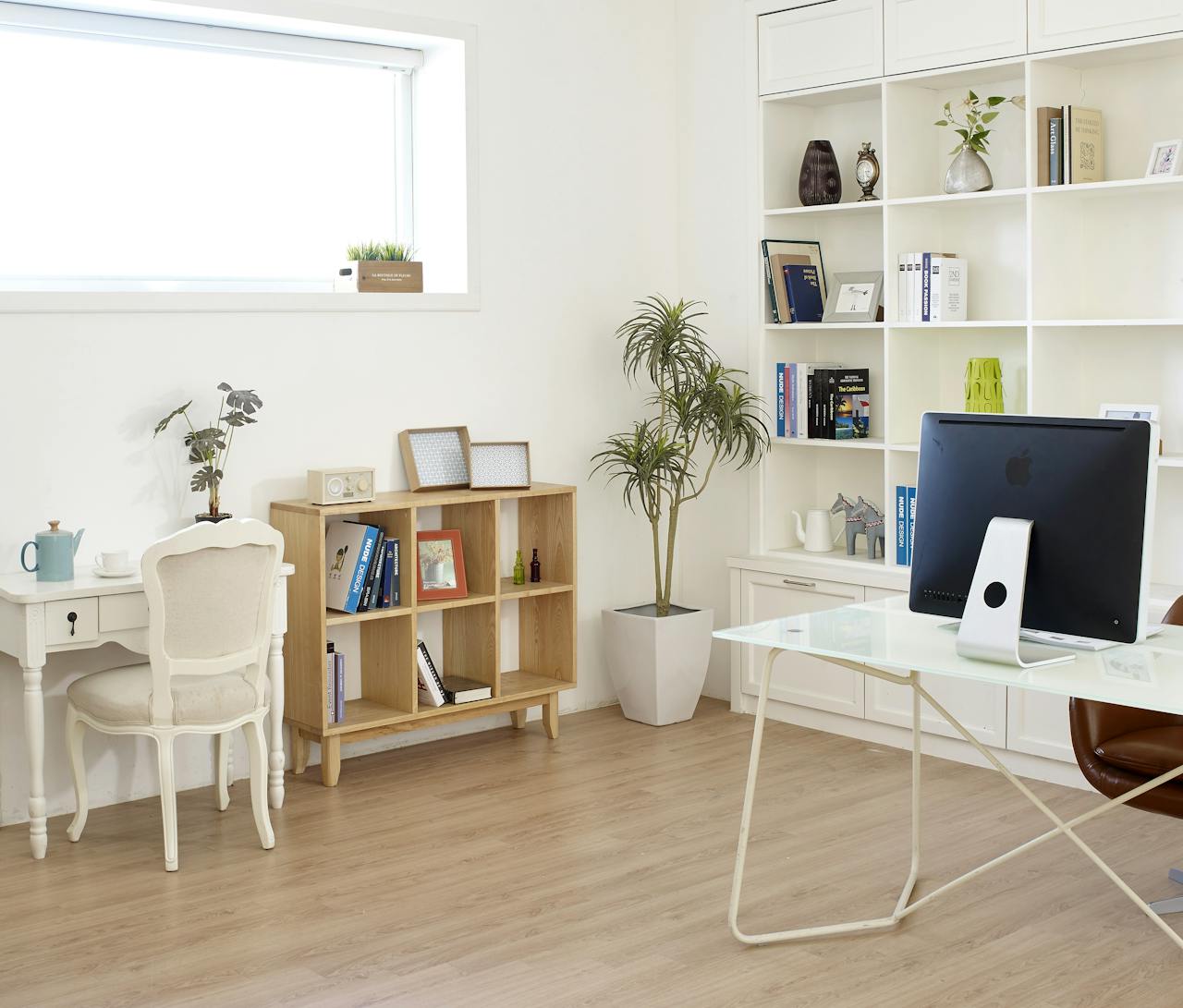

Designing the perfect home office: tips for a productive workspace starts with understanding that your environment directly shapes your output. A well-thought-out home office isn’t just about aesthetics — it influences your focus, comfort, daily energy levels, and long-term physical well-being.
Planning Your Home Office Layout for Maximum Efficiency
Layout is the architectural foundation of your workspace. A poorly planned layout creates friction in daily workflows — forcing unnecessary movement, generating distractions, and draining mental energy before your workday truly begins. Before placing a single piece of furniture, you need to assess your space honestly and plan for how you actually work.
Key initial planning considerations include:
- Measure the room dimensions and identify load-bearing walls or architectural constraints
- Map natural light sources and note how sunlight moves throughout the day
- Document your workflow needs — do you use multiple monitors, reference physical files, or take frequent video calls?
Choosing the Right Location in Your Home
The location you choose sets the tone for your entire work experience. Ideal spaces minimize noise, provide adequate ventilation, and offer a psychological sense of separation from home life.
- Ideal locations: Spare bedroom with a door, basement with good lighting, quiet corner of a loft
- Problematic locations: Living room with TV visibility, kitchen (high foot traffic), shared spaces without partitions
- Neutral but workable: Large bedroom with a dedicated nook, converted dining room with acoustic treatment
Optimizing Desk Placement and Traffic Flow
Where you position your desk determines how distracted you’ll be and how ergonomically sound your posture will remain throughout the day. Avoid positioning your back to the door — it creates subconscious stress. Facing a blank wall limits visual distraction but can feel confining during long sessions.
| Desk Setup | Pros | Cons |
|---|---|---|
| Corner desk | Maximum surface area, L-shape supports dual monitors | Requires larger room, awkward for video calls |
| Wall-facing desk | Reduces visual distractions, saves floor space | Can feel isolating, limits natural light |
| Window-facing desk | Natural light boosts mood, view reduces eye strain | Screen glare risk, outdoor distractions |
Ergonomic Furniture for Comfort and Long-Term Health
The wrong chair or desk height is a silent productivity killer. Poor ergonomics leads to chronic back pain, repetitive strain injuries, and fatigue that accumulates over weeks and months. Ergonomic furniture isn’t a luxury — it’s a long-term investment in your health and performance.
Essential ergonomic elements every home office needs:
- Height-adjustable desk (sit-stand capability)
- Lumbar-support chair with adjustable armrests
- Footrest for shorter individuals
- Monitor arm for flexible screen positioning
- Anti-fatigue mat for standing periods
Selecting the Right Desk and Office Chair
A height-adjustable standing desk allows alternation between sitting and standing, dramatically reducing spinal compression. Pair it with a chair offering independent lumbar adjustment, breathable mesh backing, and seat depth customization.
| Feature | Standard Furniture | Ergonomic Furniture |
|---|---|---|
| Desk height | Fixed at ~75cm | Adjustable 60–125cm |
| Chair lumbar support | None or fixed padding | Adjustable lumbar with depth/height control |
| Armrests | Fixed or absent | 4D adjustable (height, width, depth, angle) |
| Long-term health impact | Higher injury risk | Reduced musculoskeletal strain |
Proper Monitor, Keyboard, and Screen Positioning
Even the best chair fails if your screen is too high, too low, or too close. Use this ergonomic alignment checklist:
- Monitor top edge at or slightly below eye level
- Screen distance: 50–70cm from your face (arm’s length)
- Keyboard positioned so wrists remain flat and neutral
- Mouse at the same height as keyboard, close to body
- Feet flat on the floor or on a footrest
Lighting Design for Focus and Eye Comfort
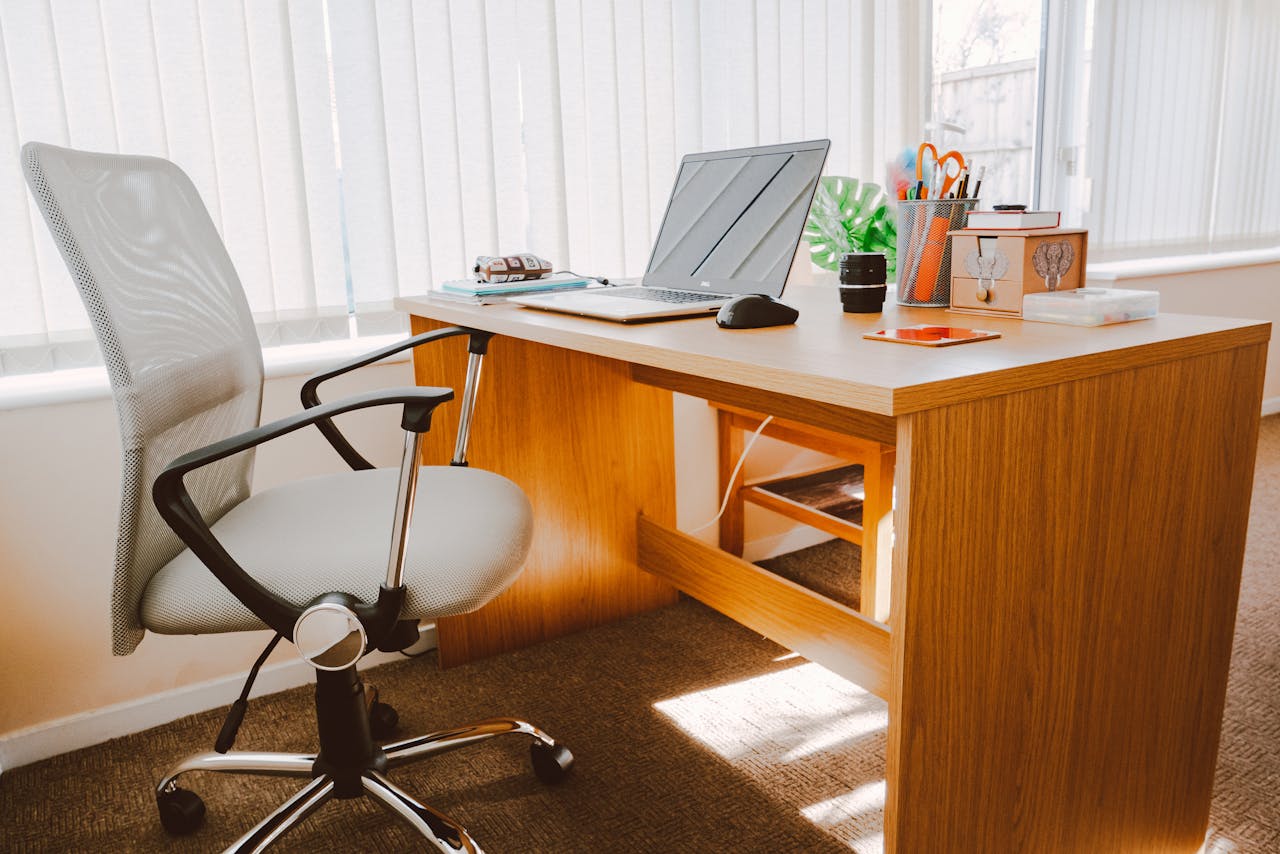
Lighting profoundly affects cognitive performance and mood. Dim lighting causes eye fatigue and sleepiness; harsh overhead lighting creates glare and headaches. The goal is a layered lighting environment that adapts to different tasks and times of day. According to Harvard Health Publishing, light exposure directly regulates circadian rhythm and alertness levels.
Primary lighting types to incorporate:
- Ambient lighting: General room illumination (overhead fixtures, recessed lighting)
- Task lighting: Focused desk lamps for reading and close work
- Accent lighting: Decorative light for mood and visual depth
Maximizing Natural Light Without Glare
Position your desk perpendicular to windows rather than directly facing or backing them. This allows natural light to illuminate your workspace without creating screen glare or silhouetting your face during video calls.
- Use sheer curtains or adjustable blinds to diffuse harsh midday sun
- Apply anti-glare screen filters if relocation isn’t possible
- Matte desk surfaces reduce light bounce that causes eye strain
Layered Lighting: Ambient, Task, and Accent
Combining lighting types creates a flexible, functional environment. LED color temperature plays a critical role:
- Warm white (2700–3000K): Relaxing, suitable for creative work and evening hours
- Neutral white (3500–4100K): Balanced, ideal for general daytime tasks
- Cool white/daylight (5000–6500K): High-alertness, best for analytical or detail-heavy work
Smart Storage and Organization Solutions
Clutter is one of the most underestimated productivity threats. A disorganized workspace fragments attention, wastes time searching for materials, and creates low-level anxiety that compounds over a workday. Before buying storage furniture, execute a systematic decluttering process.
- Remove everything from the workspace entirely
- Sort into categories: keep, archive, discard
- Only return items used at least weekly to your immediate workspace
- Assign permanent locations for every retained item
Vertical Storage and Space-Saving Furniture
In smaller offices, vertical space is your greatest underutilized asset. Wall-mounted shelving and vertical filing systems keep your floor clear while dramatically expanding storage capacity.
- Floating shelves above desk level for reference materials
- Pegboards for frequently used tools and accessories
- Under-desk drawers for stationery and peripherals
- Rolling storage carts that tuck away when not needed
Cable Management and Digital Organization
Visible cable chaos is visually distracting and physically hazardous. A clean cable setup also makes equipment moves and upgrades easier.
- Use cable raceways or desk grommets to route cords out of sight
- Label all cables at both ends
- Organize digital files with a consistent folder hierarchy (Year → Client/Project → Document Type)
- Use a single docking station to reduce cable count at the desk surface
Technology and Tools That Enhance Productivity
The right technology stack eliminates friction, automates repetitive tasks, and keeps communication seamless. Investing in quality tools once saves significant time and frustration daily.
| Tool Category | Purpose | Examples |
|---|---|---|
| Task management | Organize and prioritize work | Notion, Todoist, Asana |
| Communication | Team collaboration | Slack, Microsoft Teams, Zoom |
| Cloud storage | File access and backup | Google Drive, Dropbox, OneDrive |
| Focus/time tracking | Monitor productivity patterns | Toggl, RescueTime, Forest |
High-Speed Internet and Connectivity Setup
A wired Ethernet connection is always preferable to Wi-Fi for video calls and large file transfers — it eliminates packet loss and latency spikes. Position your router as close to your workspace as possible, and invest in a Wi-Fi 6 router if wiring isn’t feasible. Always maintain a cellular hotspot as a backup for critical meetings.
Productivity Accessories and Smart Devices
- Noise-canceling headphones: Essential for deep focus and clear call audio
- Dual monitors: Dramatically reduces window-switching friction
- USB-C docking station: One cable connection for all peripherals
- Smart desk lamp with app control: Adjusts brightness and color temperature on schedule
- Mechanical keyboard: Improves typing speed and tactile feedback for heavy writers
Personalizing Your Workspace for Motivation and Well-Being
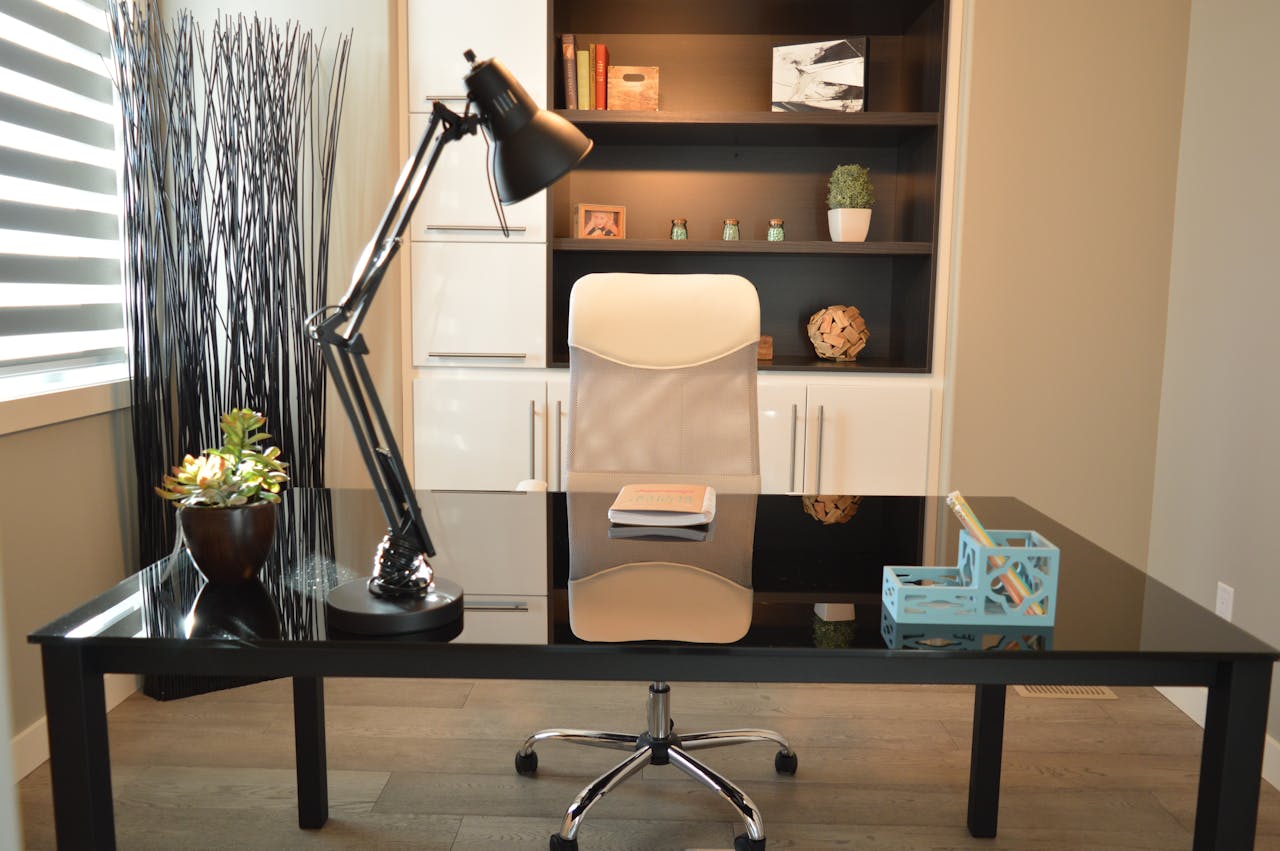
A workspace that feels sterile and impersonal is demotivating over time. Strategic personalization — done with restraint — creates an environment you actually want to spend time in. The key is balancing inspiration with minimalism so that decorative elements energize rather than distract.
- Display 2–3 meaningful personal photos or artwork pieces
- Use a whiteboard or cork board for visible goal-setting
- Incorporate a small rug to define the workspace visually
- Keep one or two items that represent personal motivation (awards, travel souvenirs)
Color Psychology and Decor Choices
| Color | Effect | Best For |
|---|---|---|
| Blue | Calming, improves focus | Analytical work, writing |
| Green | Reduces eye fatigue, balanced | Long work sessions |
| Yellow | Stimulates creativity | Design, brainstorming |
| White/neutral | Clean, uncluttered feeling | Minimalist setups |
Adding Plants and Natural Elements
Indoor plants reduce cortisol levels, improve air quality, and add visual life to an otherwise static workspace. Low-maintenance options include:
- Pothos — thrives in low light, nearly indestructible
- Snake plant (Sansevieria) — filters toxins, requires minimal watering
- ZZ plant — drought-tolerant, handles fluorescent lighting
- Succulents — compact, require only weekly watering
Creating Boundaries Between Work and Home Life
The permeability of home and work life is one of the defining challenges of remote work. Without clear boundaries, work bleeds into personal time, and personal life interrupts work hours — degrading the quality of both. Boundaries aren’t restrictions; they’re structures that protect your cognitive resources.
- Set a fixed start and end time for your workday and adhere to it daily
- Communicate your schedule clearly to household members
- Create a shutdown ritual — close applications, write tomorrow’s task list, physically leave the room
- Avoid checking work email or messages outside designated hours
Visual and Physical Workspace Separation
Even in open-plan homes, physical demarcation matters. A room divider, bookshelf, or area rug can psychologically signal “this is work space.” When you step beyond that boundary, your brain gradually learns to shift modes. Consistent physical separation accelerates the mental transition between work and rest states.
Establishing Daily Work Routines
Routines reduce decision fatigue and prime your brain for focused effort. A consistent morning routine — same start time, a brief review of daily priorities, and a dedicated “entry ritual” like making coffee or reviewing your task board — conditions your mind to shift into work mode efficiently. Similarly, a predictable end-of-day routine signals psychological closure, reducing the tendency to mentally carry work into evening hours.
Conclusion
An effective home office is never accidental — it’s deliberately designed across multiple dimensions. Layout planning creates efficient workflow; ergonomic furniture protects long-term health; layered lighting sustains energy and focus; smart organization eliminates friction; and thoughtful personalization makes the space somewhere you genuinely want to be. No single element works in isolation — the highest-performing home offices integrate all of these systems together. Start with the element causing you the most daily frustration, implement one change at a time, and progressively build toward a workspace that actively supports your best work.